  |
EDIT ALL DESIGN ELEMENTS
EDIT INK COLORSPick up to six ink colors for your design. Click an existing color to change it to a different color and every design element assigned that color will change too. Some ink colors cannot be printed with all methods, including Glow in the Dark, Metallics, & Fluorescent Pink. Minimum orders apply - usually 20+ garments. Additional cost may apply - often .50 a shirt. EDIT PRODUCT & COLORPick a color to use as the background for your design. B110 Gildan 100% cotton short sleeve t-shirt
100% Cotton
Adult:
Youth:
Gildan®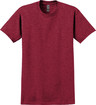 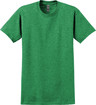 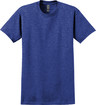 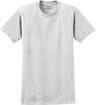 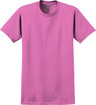 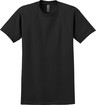 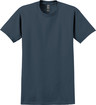 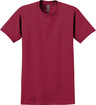 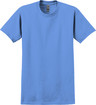 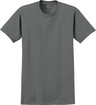 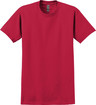 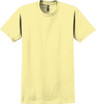 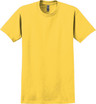 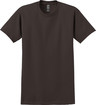 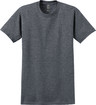 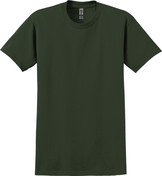 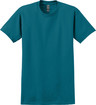 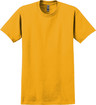 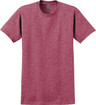 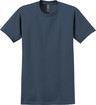             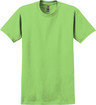 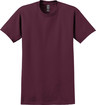 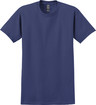 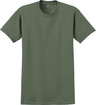 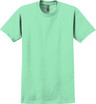 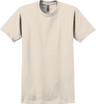 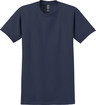 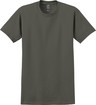 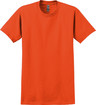 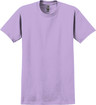 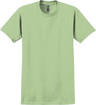 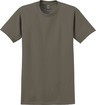 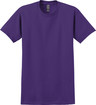 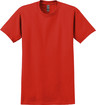 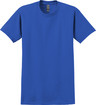 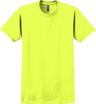 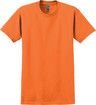 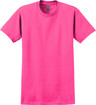 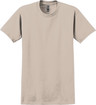 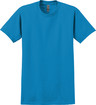         Discontinued Colors             Currently only B110 is in the designer, but you can change to any garment in your cart.Size availability varies for each color. Check the garment page for more pricing information. CLAIM YOUR DESIGN !Claim your design and you'll be able to give your design a better name (#1779945 is pretty boring) and be able to sign in to edit your designs at any time. You'll also get access to stats that show how popular your design is! To claim your design, just sign in to the site or register if you don't have an account yet. |





Fix for Known Bug: elements in corner
If you find all your design elements in the upper left hand corner, dont panic!
1. Click "Select All"
2. Click "Group"
3. Once all layers show as grouped.... click "Ungroup"
4. Wait a bit and it should redraw in place. - We are working on fixing the core issue.